Service · iPadOS
iPad apps for teams and products
I design and build native iPad apps in Swift and SwiftUI, for companies that put an iPad in their team’s hands and for products that need the room: sales catalogues, checklists in the field, point of sale, kiosks, tools for creatives and musicians. An iPad app is not a large iPhone app. It has to work side by side with other apps, with a keyboard and trackpad, with Apple Pencil and on an external display. Several of my own App Store apps run on iPad, from a metronome laid out for a music stand to a measurement toolbox that works with external audio interfaces.
What’s included
What you get
- 01
Layouts for the big screen
Sidebars, split views and multiple columns that use the space, in every orientation.
- 02
Multitasking & Stage Manager
Split View, Slide Over, resizable windows and an external display.
- 03
Apple Pencil, keyboard & trackpad
Signatures, notes and drawing, keyboard shortcuts and pointer support.
- 04
Offline work & sync
Keep working without a connection in the field, then sync once back online.
- 05
Private distribution
Custom apps through Apple Business Manager, or a public App Store release.
- 06
One codebase with iPhone
The same Swift and SwiftUI app can also run on iPhone and Mac when it helps.
Process
How it works
01
Scope
We agree who uses the app, on which devices, and what version one must do.
02
Design
Screens designed for iPad first, validated early with the people who use them.
03
Build
Weekly TestFlight builds, installed on your team’s own iPads.
04
Release
App Store or private distribution, then fixes and updates after launch.
Proof
My App Store apps that also run on iPad
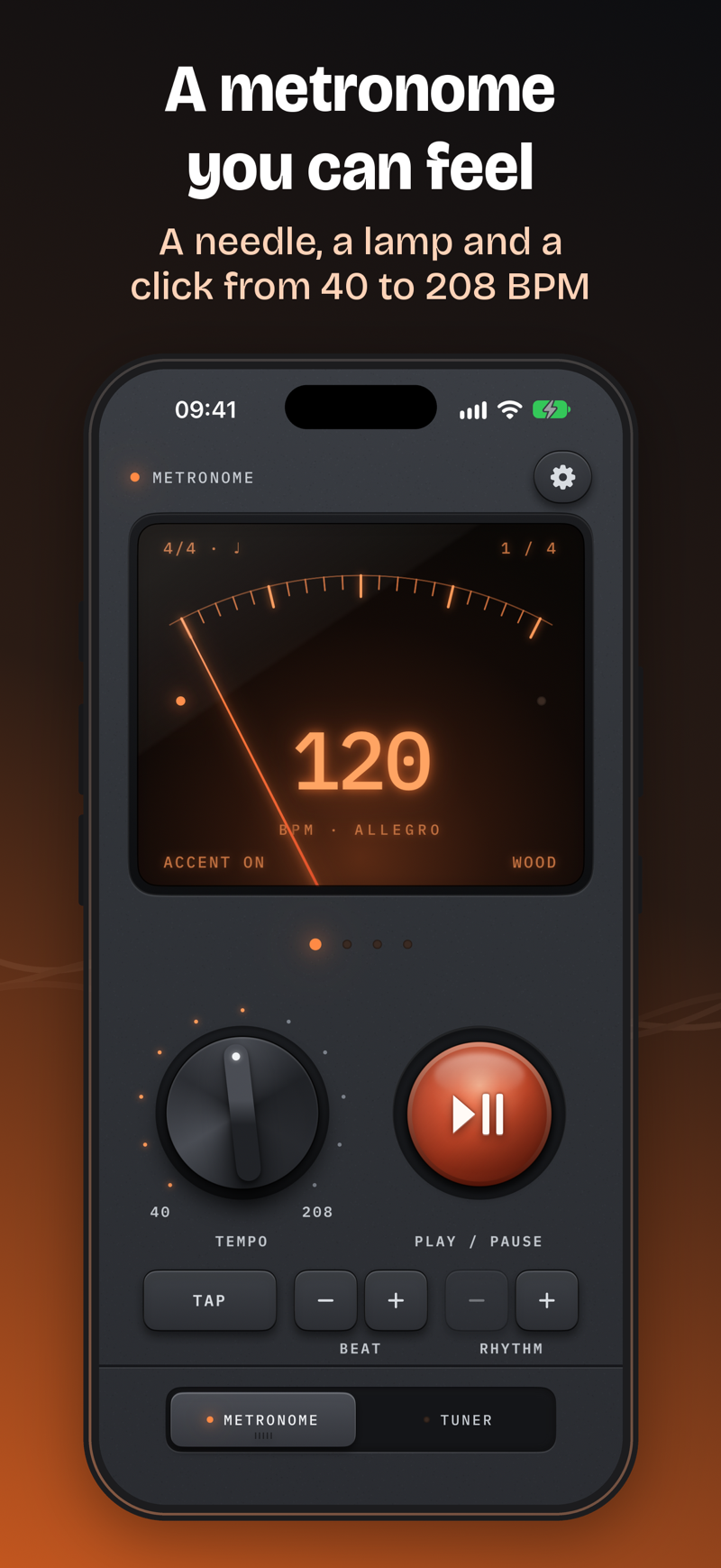
Metronome & Tuner: Pulse
Tempo, pitch, cadence & drone
iPhone + Apple Watch · $0.99
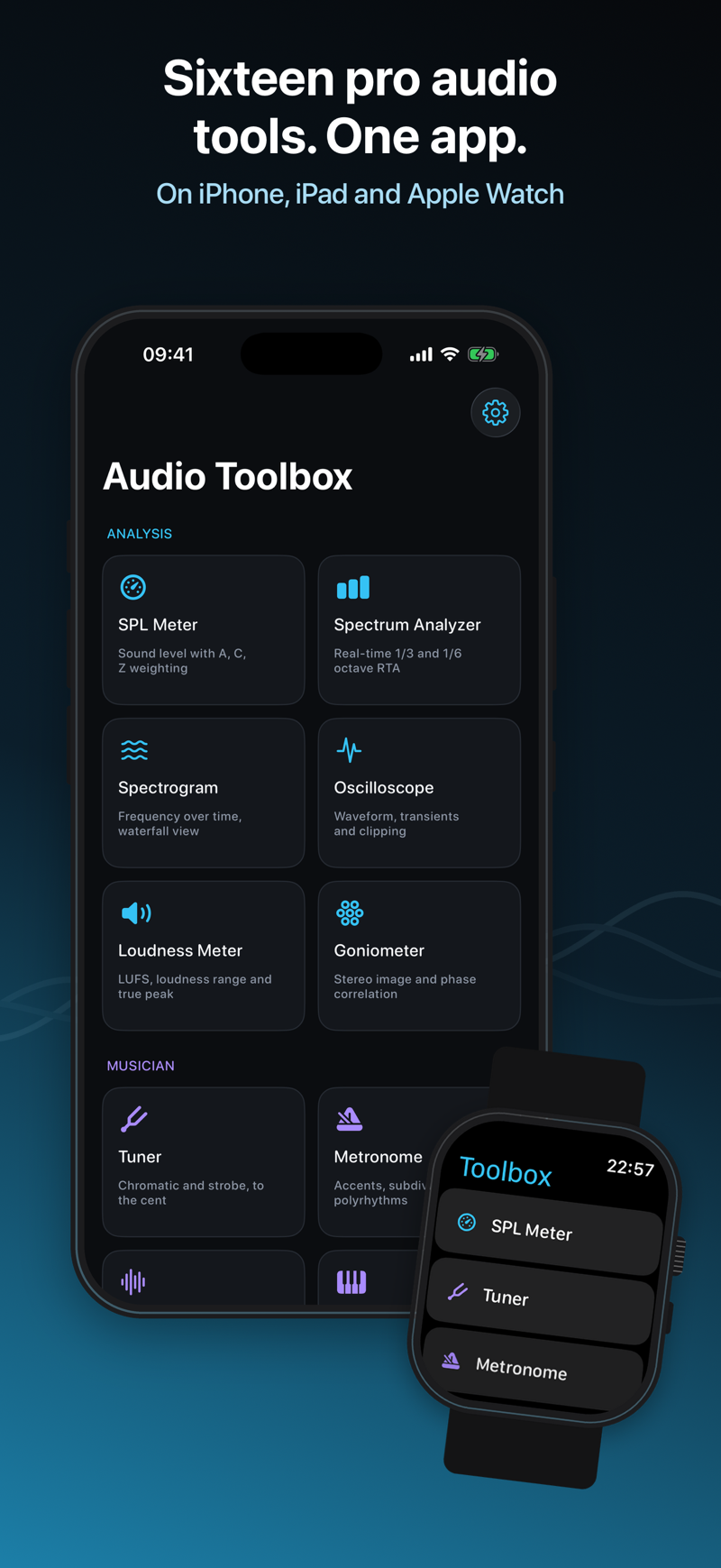
Professional Audio Toolbox
SPL, RTA, LUFS, Tuner, RT60
iPhone + Apple Watch · $19.99
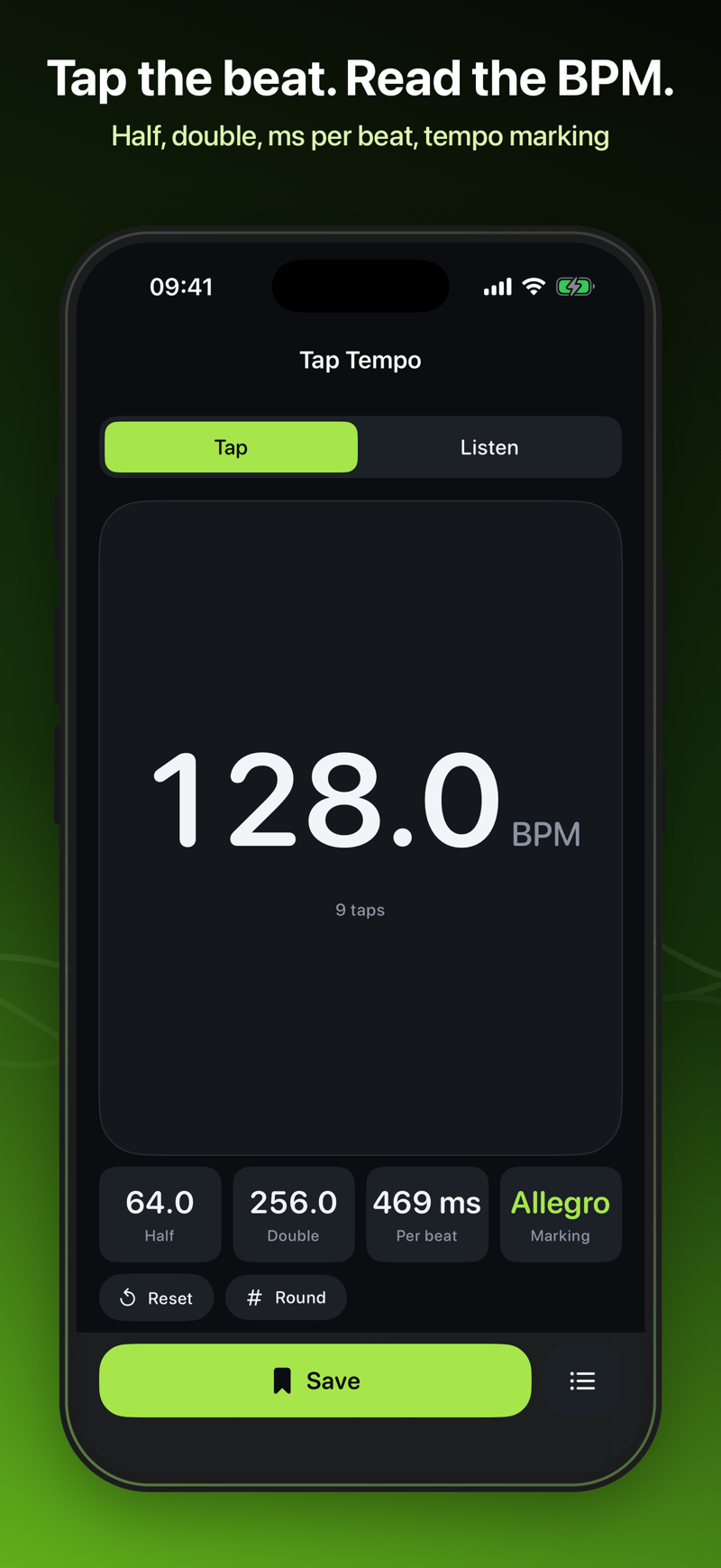
Tap Tempo: BPM Counter
Tap or listen to find the BPM
iPhone + Apple Watch · $0.99
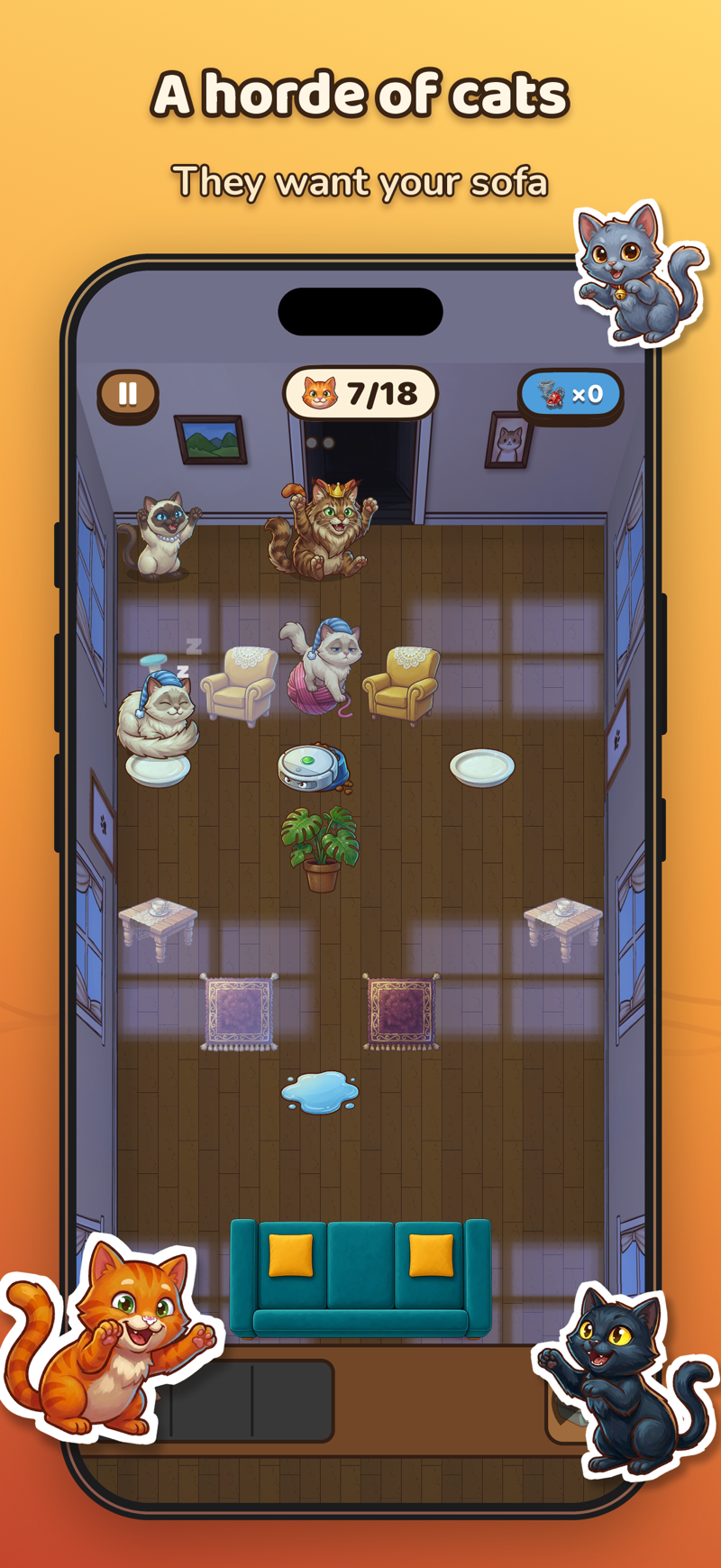

Catch the Cats: Save the Sofa
Tower Defense Strategy Game
iPhone · Free, with in-app purchases
FAQ
Before you ask
Related reading: Does building native apps still mean doing twice the work in 2026?.
How much does an iPad app cost?
It depends on the number of screens, the integrations and whether data has to sync with a backend. After a short call I send a written estimate for a clearly scoped first version, so you know the cost before any work starts.
Can the same app run on iPhone and iPad?
Yes. With SwiftUI one codebase can target both, with a layout designed for each screen. If your users work mainly on iPad, I design for iPad first and adapt to iPhone, not the other way round. iPhone app development →
Can the app be installed only on our company iPads?
Yes. Apple lets companies distribute custom apps privately through Apple Business Manager, or Apple School Manager for schools, so the app never appears on the public App Store. Testing works the same way, through TestFlight.
Does the app work without an internet connection?
It can. For work in the field, data is saved on the iPad and synced when the connection comes back. In the first call we decide which parts must work offline.
Do you support Apple Pencil?
Yes, where it helps: signatures, notes on documents, drawing and handwriting, built on Apple’s PencilKit.
Can you add iPad support to an existing iPhone app?
Yes. I start with a short review of the code and the layouts, then rework the screens that need it, so the iPad version feels designed rather than enlarged.

Simone Saleri
iOS, watchOS & React Native developer
Tell me what you’re building
I read every message and reply within one working day. If I’m not the right fit for what you need, I’ll say so straight away.
A useful first message has
- What you’re building
- A rough budget, or “no idea yet”
- When you need it