Service · Swift & SwiftUI
Universal native apps for Apple Watch, iPhone, iPhone Duo and iPad
I design and build native iOS apps for iPhone and iPad in Swift and SwiftUI. You get an app that feels at home on Apple devices, follows the Human Interface Guidelines, and is built to pass App Store review the first time. I publish my own apps on the App Store, so the whole path from Xcode to a live listing is routine work, not a first attempt.
What’s included
What you get
- 01
Native Swift & SwiftUI
A modern codebase, with UIKit where SwiftUI is not enough.
- 02
iPhone and iPad layouts
Adaptive interfaces that make proper use of the larger screen.
- 03
Apple integrations
Widgets, notifications, HealthKit, StoreKit, Sign in with Apple.
- 04
Architecture & tests
A clear structure and tests, so the app stays easy to change.
- 05
Accessibility & performance
Dynamic Type, VoiceOver and fast launch as part of the build.
- 06
App Store release
Listing, screenshots, TestFlight and review, handled for you.
Process
How it works
01
Scope
We agree what the first version must do, and what can wait.
02
Design
Screens and flows built on Apple conventions, validated early.
03
Build
Weekly TestFlight builds, so you use the app as it grows.
04
Release
App Store submission, then fixes and updates after launch.
Proof
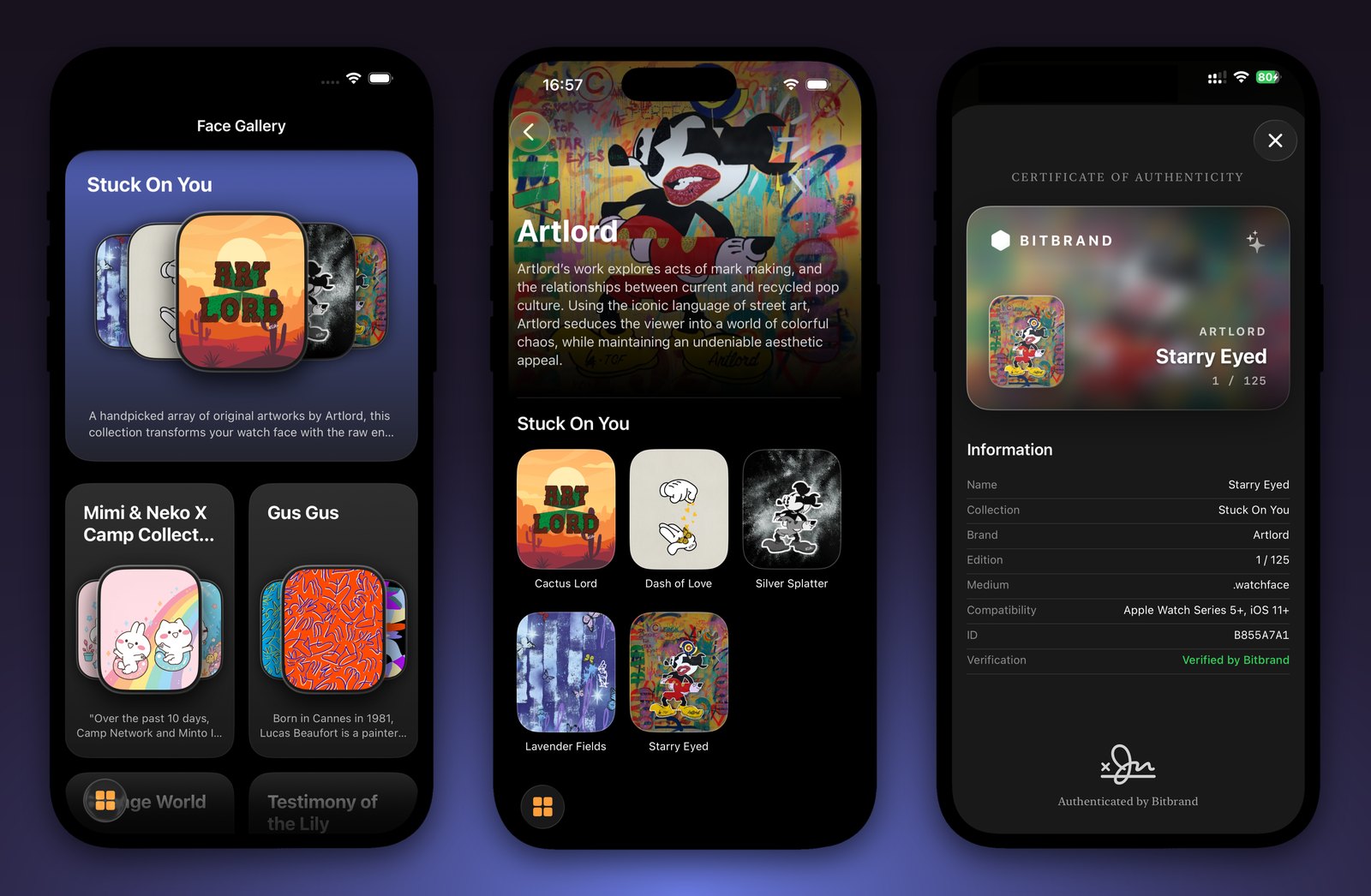
Shipped for Apple platforms

FAQ
Before you ask
Related reading: Does building native apps still mean doing twice the work in 2026? and The iPhone Duo Illusion: Why Cross-Platform Developers Aren't Rushing to Build for Apple's First Foldable.
Native iOS or cross-platform: which should I choose?
If the app is iPhone-first, relies on Apple features or needs the best possible feel, native Swift is the right call. If you need iOS and Android from day one on a tight budget, React Native is usually the better fit. I build both, so I can recommend honestly after looking at your product.
Do you also build for iPad?
Yes. The same SwiftUI codebase can target iPhone and iPad, with layouts that take advantage of the larger screen instead of stretching the phone design.
How much does an iOS app cost?
It depends on the number of screens, the integrations and the backend. After a short call I send a written estimate for a clearly scoped first version, so you know the cost before any work starts.
Will you publish the app on the App Store for me?
Yes. I prepare the listing and screenshots, manage TestFlight and handle App Store review, including any questions from Apple. The app is published under your developer account.
Can you take over an existing iOS app?
Yes. I start with a short audit of the codebase, fix what blocks releases, then continue with new features.

Simone Saleri
iOS, watchOS & React Native developer
Tell me what you’re building
I read every message and reply within one working day. If I’m not the right fit for what you need, I’ll say so straight away.
A useful first message has
- What you’re building
- A rough budget, or “no idea yet”
- When you need it